> For the complete documentation index, see [llms.txt](https://docs.oisy.com/llms.txt). Markdown versions of documentation pages are available by appending `.md` to page URLs; this page is available as [Markdown](https://docs.oisy.com/using-oisy-wallet/oisy-pay.md).
# OISY Pay
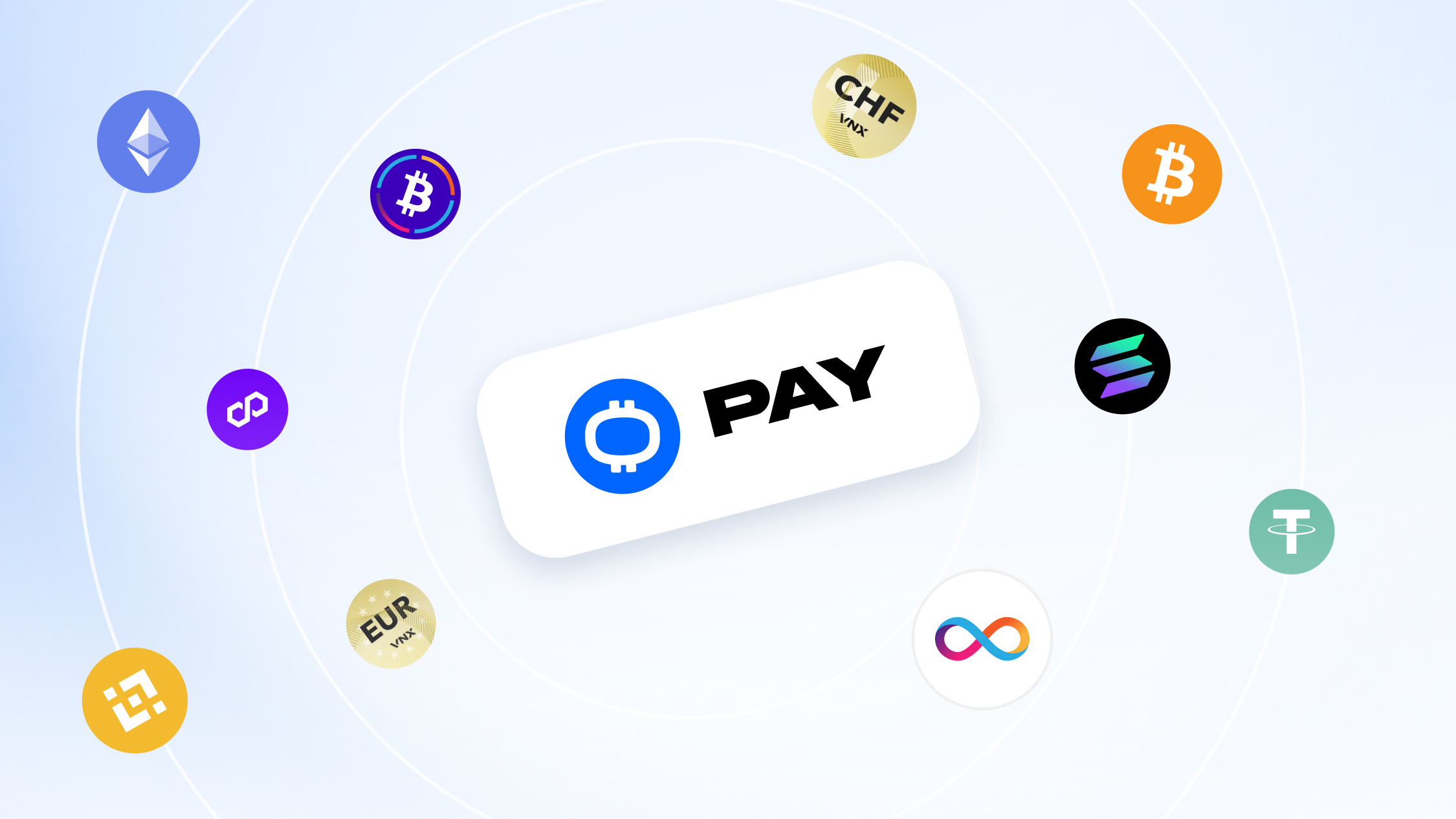
**OISY Pay** lets you complete real-world and online payments using Open CryptoPay. It’s designed for simple checkout flows where you either scan a QR code or paste a payment link, then send the exact amount from the asset and network you choose.
#### Where you can use it
OISY Pay works with all Open CryptoPay-enabled merchants, including:
* SPAR Switzerland
* Shopware stores
* WooCommerce stores
For more details see here:
#### How it works
Merchants generate a payment request (QR code or URL) via Open CryptoPay.
You approve camera access (for QR scans) or paste a link manually, choose what you want to pay with, then confirm the transaction in OISY.
#### Supported assets
When paying, you can select from:
* ICP
* ckBTC
* VCHF
* VEUR
* BTC
* WBTC
* ETH
* USDC
* USDT
* dEURO
* ZCHF (Frankencoin)
* DAI
* BNB
* SOL
#### Pay flow
1. Open OISY
2. Tap the Universal Scanner icon (top-right)
3. Choose how to enter the payment request:
* Scan QR code (enable camera permission when prompted)
* Paste URL (manual link input)
4. Select the asset and chain you want to pay with
5. Review recipient details (tap the arrow next to Recipient to expand)
6. Tap Pay
7. After confirmation, you’ll see a Payment Confirmed screen with the merchant name and amount
#### Recipient details you can review
Before you pay, you can expand the recipient section to view:
* Name
* Address
* Country
* Phone number
* Email address
* Website
#### Payment confirmation
Once the transaction is successful, OISY displays a confirmation screen showing:
* The merchant (example: Paid at SPAR)
* The amount paid (example shown in USDC)
* “Powered by Open CryptoPay” branding for clarity on the payment rail
#### Notes
* If scanning is blocked, check your device camera permissions for OISY.
* If you received a link instead of a QR code, you can paste the URL directly to start the same flow.
---
# Agent Instructions
This documentation is published with GitBook. GitBook is the documentation platform designed so that both humans and AI agents can read, navigate, and reason over technical content effectively. Learn more at gitbook.com.
## Querying This Documentation
If you need additional information that is not directly available in this page, you can query the documentation dynamically by asking a question.
Perform an HTTP GET request on the current page URL with the `ask` query parameter, and the optional `goal` query parameter:
```
GET https://docs.oisy.com/using-oisy-wallet/oisy-pay.md?ask=&goal=
```
`ask` is the immediate question: it should be specific, self-contained, and written in natural language.
`goal` is optional and describes the broader end goal you are ultimately trying to accomplish on behalf of the user. GitBook uses it to tailor the answer towards what is most useful for that goal.
The response will contain a direct answer to the question and relevant excerpts and sources from the documentation.
Use this mechanism when the answer is not explicitly present in the current page, you need clarification or additional context, or you want to retrieve related documentation sections.